


Use onomeo in Open WebUI
Open WebUI is a chat workspace you host yourself. Follow the steps below to add onomeo as a connection, and the models on this site show up in its model menu.
Your own AI chat workspace.
What to fill in
OpenAI-compatible
Use these details in any OpenAI-compatible tool.
Step by step
Screenshots and dated measurements show earlier tests. Their model names and costs are historical; use the current model and pricing shown above.
Open the settings
Sign in to Open WebUI with the admin account, click your avatar at the bottom left and choose Settings in the menu.
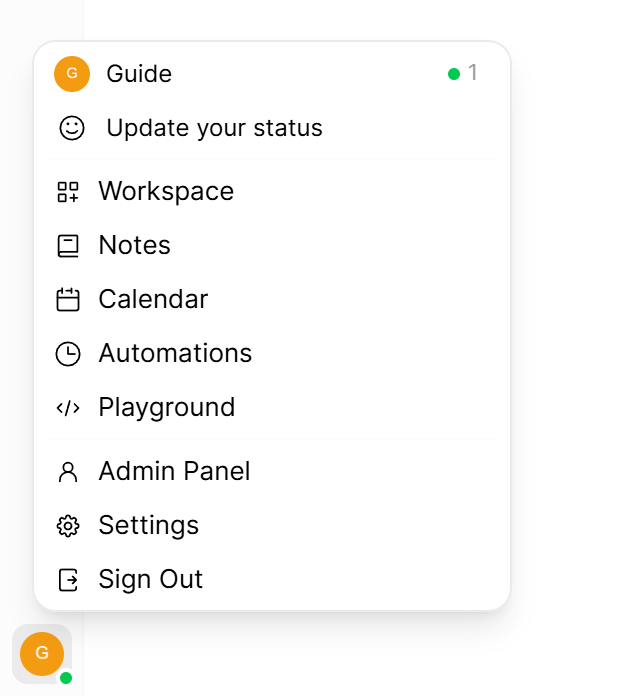
Click the avatar at the bottom left, then Settings in the menu. Add a connection
Under Admin on the left of the settings, click Connections, then the plus sign beside Manage OpenAI API Connections.

Click this plus sign to open the Add Connection window. Enter this site's address and your key
Put the address below in URL, keep Auth on Bearer and put your key beside it (copy it from "What to fill in" above), then press Save. Back on the Connections page, press Save at the bottom right as well.
https://onomeo.com/v1
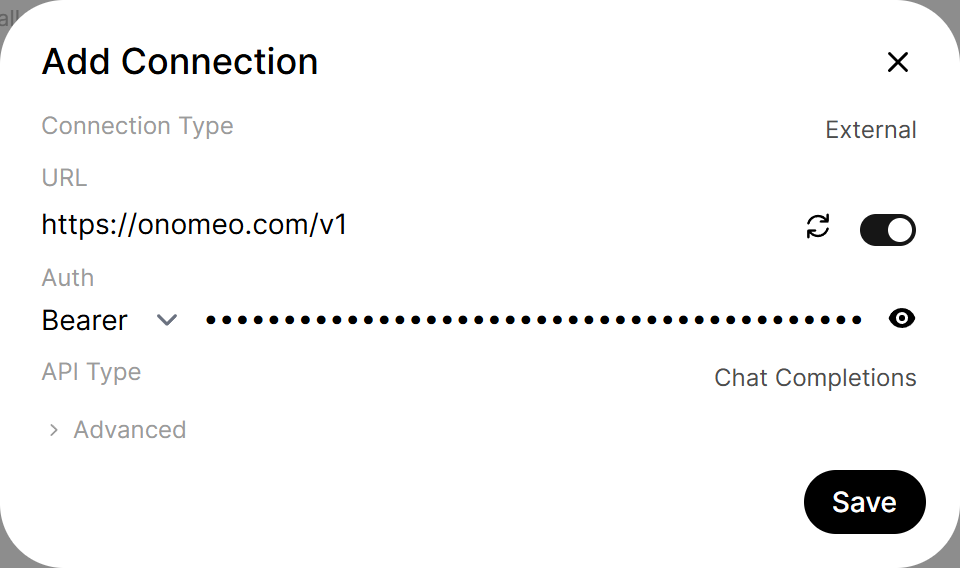
Fill in the framed places and press Save. Pick a model and start chatting
Start a new chat, open the model menu at the top, search for MODEL_ID and choose it, then send a line. The model list comes from this site, so any other model works as well.
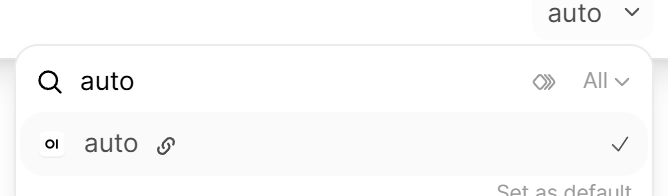
Search for auto and click it. Check the reply
A reply to your line means it is connected to this site.

auto above the reply means it used this site's model. For every line you send, Open WebUI also asks the same model for a title, tags and suggested follow-ups. Measured on 28 September 2026: one line took 4 calls with auto, and nothing charged. To use fewer calls, turn off Title Generation, Tags Generation and Follow Up Generation under Admin → Interface in the settings.
If it will not connect
- To keep the menu short, list only the models you want under Model IDs (Filter) in the connection settings.
- 401: the key is wrong; press the gear beside this connection on the Connections page and enter it again.
- 402: insufficient balance. Claude, GPT and other big models are charged by usage; top up on the Pricing page, or choose a lower-cost model and try again.